Document path
A typical file is followed from the person who creates it to the finished page.

Services
Workflow optimization looks at the path a document already takes, then removes the steps that do not need to be there.

The service
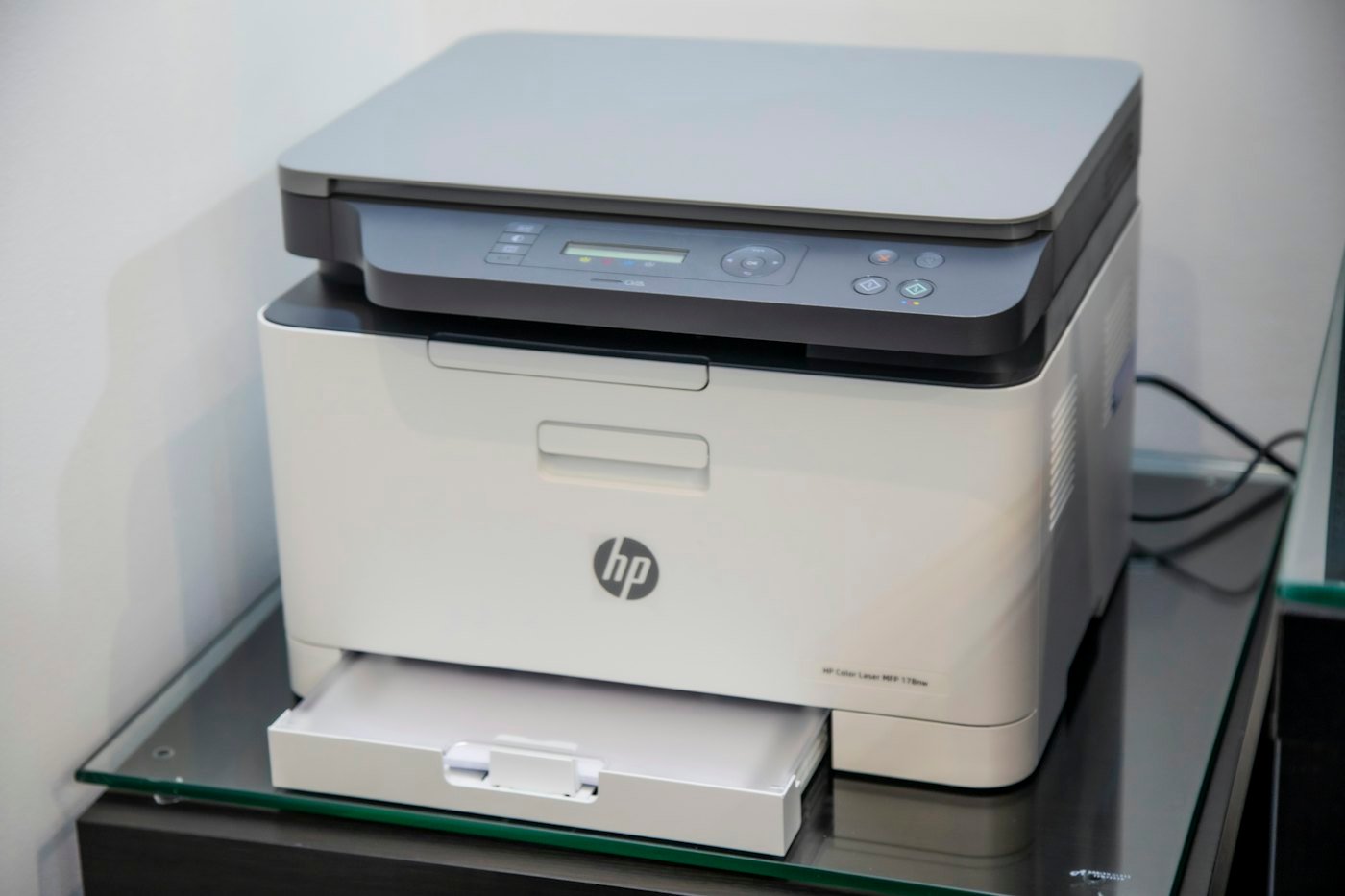
Printing feels slow when people are unsure which device to use, when defaults fight the job, or when work is routed through the wrong queue. We follow a typical document from the person who creates it to the finished page.
Queues, routing, and device choice are then adjusted around that path. You do not need a new fleet for this work. The point is to make the environment you already have easier to use.
The result is a simpler routine for the jobs your teams already print. It is not a new software platform and it is not a promise about page counts.
Get a Free ConsultationWhat this covers
The work stays with the documents you already produce and the devices you already have.
A typical file is followed from the person who creates it to the finished page.
Queues that send work to the wrong device, or that nobody uses, are called out.
The device suggested for a job is the one that actually fits that job.
Everyday settings are changed where they fight the work people do most often.
Staff get a clearer way to print, without a new set of steps to memorize.
The simpler route is written down so the next person is not left guessing.
How we approach this
We trace how a typical job moves from creation to a finished page.
Queues, defaults, and device choice are changed where they add needless steps.
Staff get a clearer way to print the work they already do each day.
Where it fits
Workflow work helps where several teams share devices and the route from file to page is no longer obvious.
 Industry
Education & Universities
Campus and school printing for faculty, staff, and administrative offices, arranged so shared devices stay easy to find and straightforward to use.
Learn More
 Industry
Manufacturing & Industrial
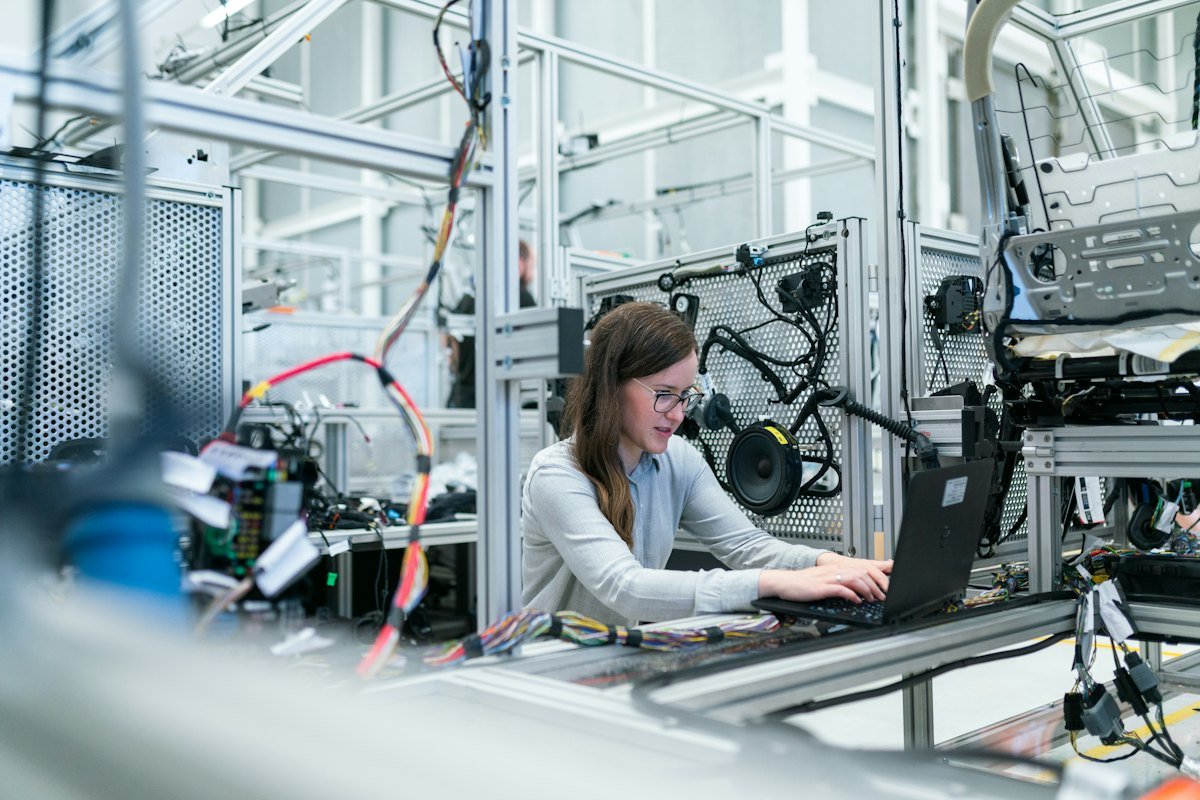
Print devices positioned for production, quality, and office teams that need work orders, labels, and records close to the job.
Learn More
 Industry
Retail & E-commerce
Practical printing for stores and online operations, including back-office documents, labels, and the everyday paperwork retail teams handle.
Learn More
 Industry
Insurance Companies
Organized printing for policy, claims, and office teams so documents move through the workday with less clutter and fewer delays.
Learn More
 Industry
Legal & Law Firms
Dependable printing for filings, correspondence, and internal documents, set up so a firm can produce work cleanly and on schedule.
Learn More
Related services
A clearer path is easier to keep when installation, the fleet picture, and day-to-day care match it.
A printer helps only after it is installed and configured with care. We place devices where teams need them, connect them to your network, and set drivers, queues, and defaults so people can print with fewer interruptions. Configuration follows the environment you already use, rather than a one-size setup.
Learn MoreA group of printers is easier to run when every device is accounted for. We help you track printers across rooms and sites, understand how they are used, and keep the fleet organized as teams grow or move. Placement, status, and replacement choices stay in one clear picture.
Learn MoreManaged print services provide ongoing care for the printing environment you rely on. We watch device health, plan for supplies, and help when something interrupts everyday printing, so your staff spends less time troubleshooting. You keep a practical view of how printing supports the business while routine work is handled with you.
Learn MoreStart a conversation
Whether you are setting up new printing infrastructure or improving existing operations, Balsamo Printing is ready to help you move forward.