Placement
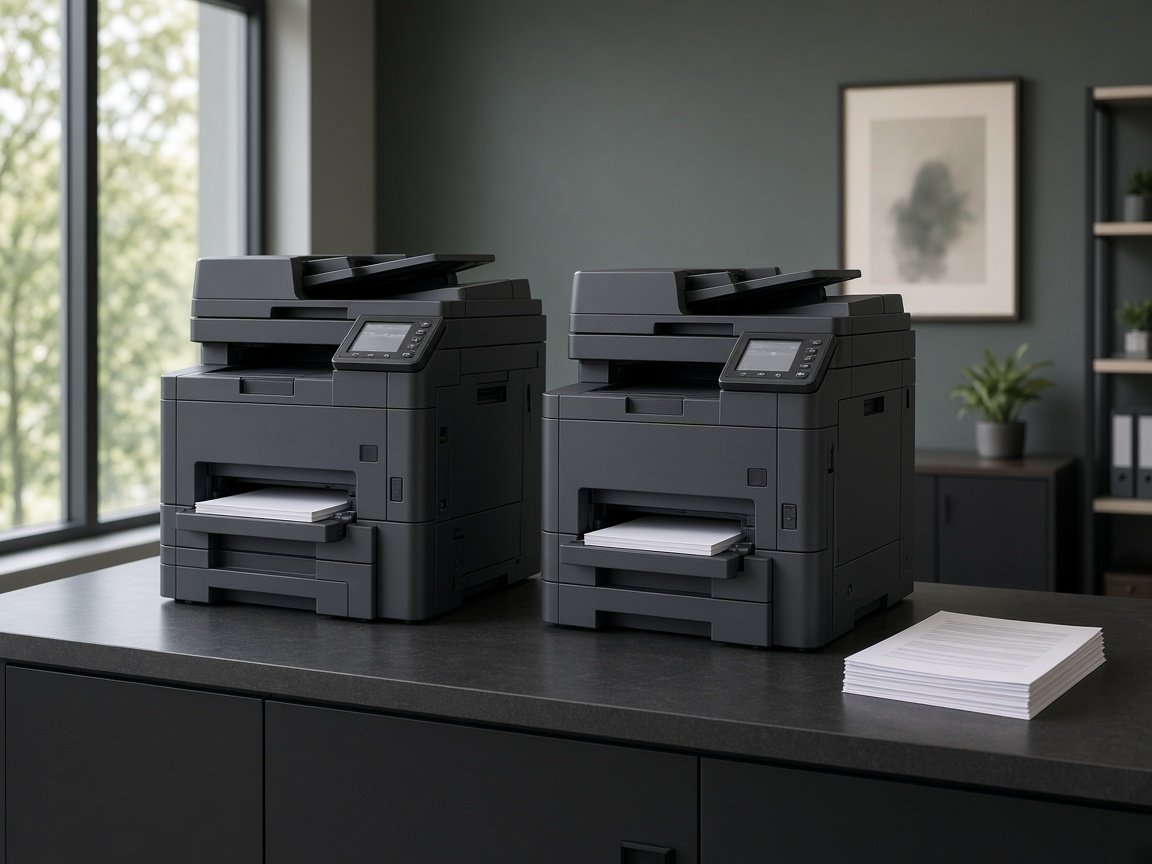
The printer goes where the people who use it can reach it, with room to load paper and clear a jam.

Services
Installation is complete when the right people can print to the right device, with settings that match the work they do.
The service
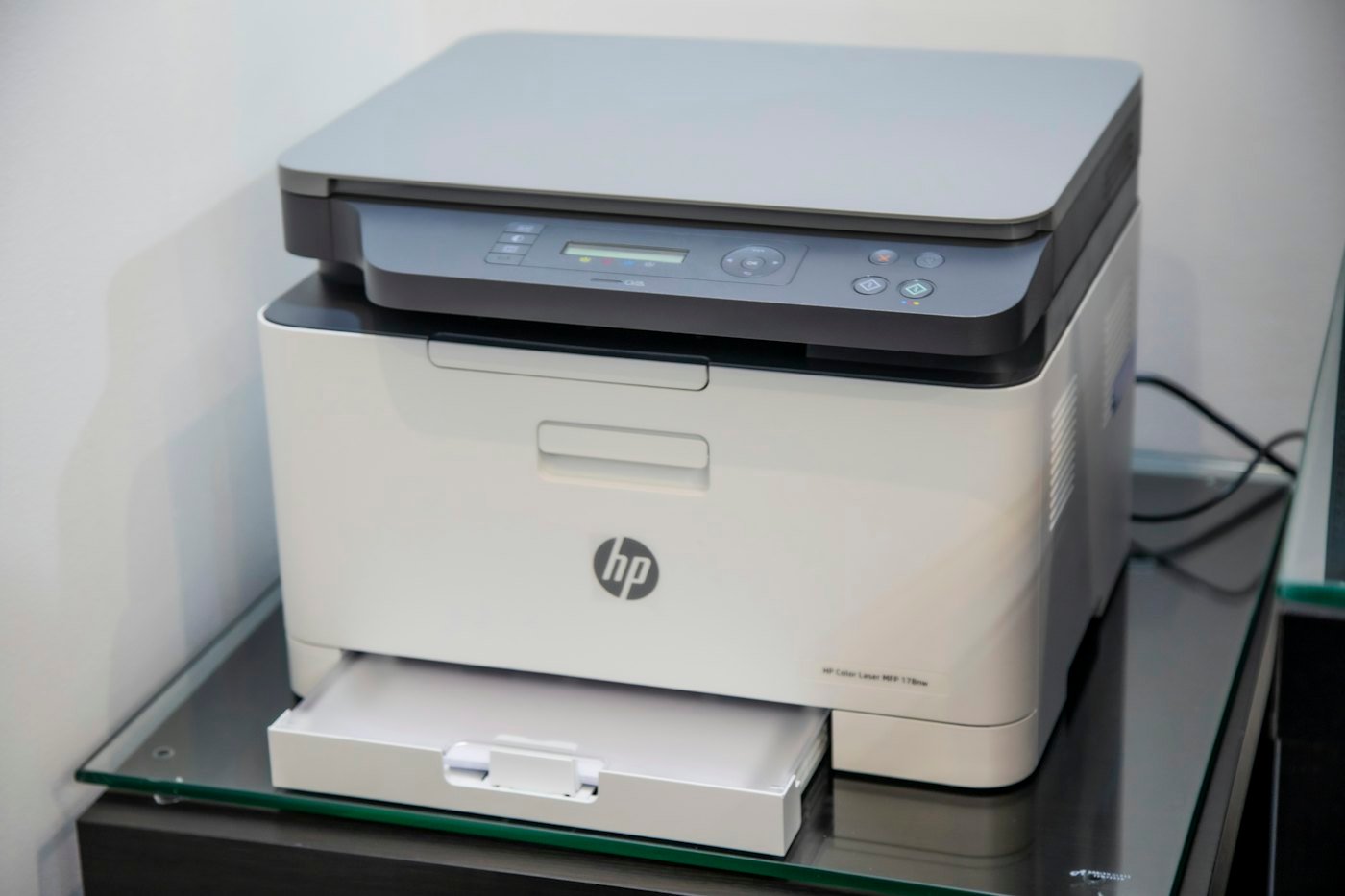
A new printer does little until it is placed, connected, and configured. We install devices where teams can reach them, then set drivers, queues, and default options so everyday jobs do not depend on someone remembering a workaround.
Configuration follows the network and the habits you already have. Where a device includes scanning or a specific tray setup, those options are checked as part of the same visit so the printer is ready for real use.
This visit is one device, or a small group of devices, brought to a working state. A building-wide rollout is a deployment, and the plan that decides where printers should live is infrastructure setup.
Get a Free ConsultationWhat this covers
The visit ends when a typical job finishes on the device, with settings your staff can use the next morning.
The printer goes where the people who use it can reach it, with room to load paper and clear a jam.
The device is connected on the network those users already join, not on a path only one person knows.
Drivers and queues are set so a job arrives at this printer without a private workaround.
Tray, color, and duplex defaults follow the jobs this device is meant to produce.
Where the device scans or uses a specific tray, those options are checked in the same visit.
A typical job is sent and completed before the installation is treated as done.
How we approach this
We position the printer for the people who will use it, with practical access to power and the network.
Defaults and queues are applied so jobs arrive at the right device without extra steps.
We check that a typical job completes before the installation is treated as finished.
Where it fits
Installation matters wherever a new device has to join people who already have a way of printing.
 Industry
Healthcare & Hospitals
Printing support for clinical and administrative teams, with placement and workflows shaped for busy care environments where documents need to stay within reach.
Learn More
 Industry
Education & Universities
Campus and school printing for faculty, staff, and administrative offices, arranged so shared devices stay easy to find and straightforward to use.
Learn More
 Industry
Retail & E-commerce
Practical printing for stores and online operations, including back-office documents, labels, and the everyday paperwork retail teams handle.
Learn More
 Industry
Legal & Law Firms
Dependable printing for filings, correspondence, and internal documents, set up so a firm can produce work cleanly and on schedule.
Learn More
Related services
A single install sits between the plan that chose the spot and the rollout or workflow work that follows.
We plan and establish printing infrastructure around the way your organization works. The work includes reviewing current equipment, mapping where devices should sit, and defining a setup that supports daily document needs without extra complexity. You gain a clearer, more dependable foundation for printing across every workplace you operate.
Learn MoreRolling printers out across a floor, a building, or several sites takes coordination. We manage deployment so devices are placed with a consistent configuration your staff can follow from day one. The plan covers timing, placement, and how each location comes online. You get an orderly rollout instead of disconnected installations.
Learn MorePrinting slows down when steps are unclear or devices are poorly matched to the work. We review how documents move through your teams and adjust queues, routing, and everyday habits so jobs finish with less friction. The aim is a simpler path from a file on screen to a finished page.
Learn MoreStart a conversation
Whether you are setting up new printing infrastructure or improving existing operations, Balsamo Printing is ready to help you move forward.